
Withering Realms system requirements
Windows 10, 14 GB of disk, and two GPU tiers for the 2 September 2026 Steam build.
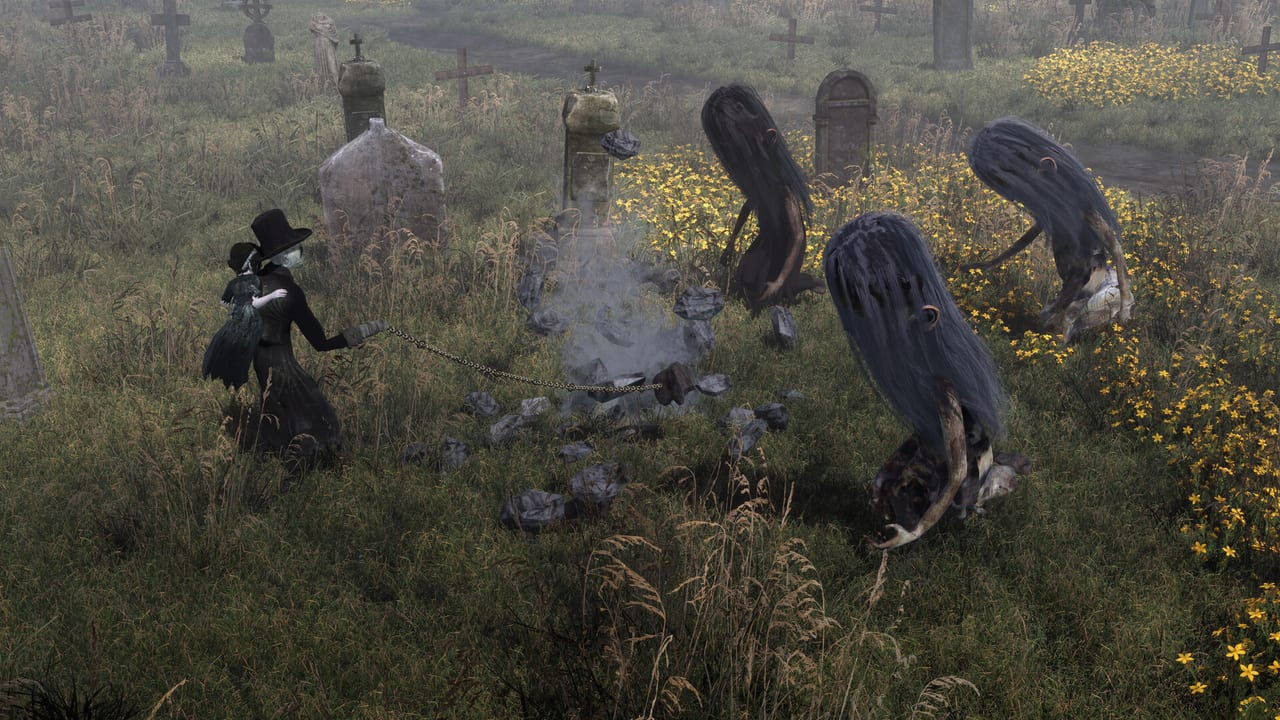
Withering Realms Early Access on 2 September 2026 is listed as a Windows 10 64-bit Steam title. Both the minimum and recommended columns ask for 14 GB of free storage. The gap between the two columns is CPU, RAM, GPU, and DirectX version — not disk size. If you only remember one number, remember 14 GB plus headroom for Windows, shaders, and a few copied Realms.
This page restates the Steam table and the notes around it. It does not invent Mac, Linux, or console specs. Those platforms are not on the Early Access requirements list. Consoles are a 2027 topic on the roadmap. Graphics presets, Perf HUD, and the slash-key reporter live on settings and bug reports.
Minimum and recommended
Both columns require a 64-bit processor and operating system.
| Minimum | Recommended | |
|---|---|---|
| OS | Windows 10 | Windows 10 |
| CPU | Intel Core i5-2500K or AMD Ryzen 5 1400 | Intel Core i7-8700K or AMD Ryzen 5 3600X |
| Memory | 8 GB RAM | 12 GB RAM |
| GPU | NVIDIA GeForce GTX 970 or AMD Radeon RX 570 | NVIDIA GeForce GTX 1070 or AMD Radeon RX Vega 56 |
| DirectX | Version 11 | Version 12 |
| Storage | 14 GB available space | 14 GB available space |
Read the DirectX row as a quality hint, not as two different games. The minimum path is DX11 on 2014–2017 class GPUs. The recommended path is DX12 on a GTX 1070 / Vega 56 class card with more RAM. If you sit on the minimum GPU and crank Ultra volumetrics plus SSGI, you are no longer on the configuration Moonless Formless published.
14 GB is the install size on both rows. Leave extra space for Windows pagefile, GPU shader caches, and local Realm copies. Steam Cloud is listed, but a copied candle on disk is still the fast way to recover from a failed experiment. The support page stores local files under C:\Users\YOURNAME\AppData\LocalLow\Moonless Formless\Withering Realms\YOURSTEAMID.
Windows only at Early Access
Steam’s table names Windows 10 and nothing else. Mac and Linux are not listed. Proton, Wine, or a handheld overlay might work for some people; they are not studio promises, and this wiki will not grade them. If you are buying hardware for the September build, buy a 64-bit Windows 10 (or newer Windows) PC that meets the table.
Consoles are after Early Access. PlayStation 5 and Xbox Series have been discussed as targets; which machines actually ship will be announced closer to the 2027 full release. There is no public console spec sheet to quote. Do not copy the PC table onto a living-room SKU.
The game is single-player. A second machine in the house does not unlock a second doll in the same session. Steam features include achievements, Steam Cloud, full controller support, DualShock, DualSense, and Family Sharing. Family Sharing still means one playing session at a time under Steam’s usual rules.
Steam Deck notes
The developer said the demo ran well start to finish on Steam Deck and told players to give it a shot. That sentence is about the Next Fest / demo build, not a Steam Deck Verified badge for the full Early Access installer. If you try the September package on Deck:
- turn on Perf HUD in graphics options so you can see frame time instead of guessing
- watch night routes and Penwyll interiors, which are heavier than a tutorial corridor
- drop from Ultra if SSGI and high volumetrics eat the handheld budget
- use the pause-menu reporter if you cannot hit
/on a Deck keyboard overlay
A support FAQ for an earlier build also noted that a final movie might not play on Deck and that the clip is a trailer you can watch elsewhere. Treat video-playback quirks as display issues, not as missing story files, unless a later official note says otherwise.
How to test your machine without lying to yourself
Start on High, not Ultra, if you are near the minimum GPU. The support page is explicit that Ultra’s SSGI and high-quality volumetrics have a high per-pixel cost, especially at high resolutions without DLSS or FSR. Lower the separate Volumetric Quality option before you drop resolution to 720p in a panic. Upscaling is the first lever; deleting grass is the second; writing off the game is the last.
If one dungeon or one night scenario is uniquely bad, that is a report, not a spec failure. Attach the screenshot and save with the slash-key tool, and name the GPU, preset, and resolution. “Runs poorly” without a hardware line is how tickets stall. Additional optimizations are planned throughout Early Access; a bad cell on a GTX 970 is exactly the kind of note the studio asked for.
If the doll is dying and the frame rate is fine, you do not have a spec problem. You have a build problem or a difficulty problem. Change crafts, read Guides, or switch Narrative in Gameplay Options. Then come back here only if the HUD still shows a sick GPU.
Buying and storage checklist
- Confirm 14 GB free, then add headroom.
- Confirm Windows 10 64-bit.
- Match GPU to DX11 minimum or DX12 recommended, not to a 4K Ultra fantasy.
- Keep a controller or DualSense if you want it; keep a way to press
/if you plan to report. - Check the Steam page for the current paid price; this wiki does not print one.
Once the machine is honest, the interesting questions move back to Penwyll. The spec table is a gate, not a playstyle. Meet it, turn on the HUD, and let the settings page handle the rest of the menu. The campaign in the Early Access build is already whole; your job is to give it a PC that can show the town at night without inventing a second set of requirements the store never published.
Frequently Asked Questions
Quick answers for Penwyll, the doll, and Early Access.
What is the minimum spec?
Windows 10 64-bit, Core i5-2500K or Ryzen 5 1400, 8 GB RAM, GTX 970 or RX 570, DirectX 11, and 14 GB of storage.
What is the recommended spec?
Windows 10 64-bit, Core i7-8700K or Ryzen 5 3600X, 12 GB RAM, GTX 1070 or Radeon RX Vega 56, DirectX 12, and 14 GB of storage.
Is the install size different on recommended?
No. Both columns list 14 GB. Leave extra space for Windows, shaders, and copied Realms.
Does Early Access list Mac or Linux?
No. Steam lists Windows 10 only. Consoles are planned after Early Access for 2027, not as part of the September PC table.
Will it run on Steam Deck?
The developer said the demo ran well start to finish. Use Perf HUD if you try the full Early Access build. There is no Verified badge in our notes.
What should I change if it stutters?
Leave Ultra, lower volumetric quality, enable upscaling, then file a slash-key report for the specific area. Menu details are on settings and bug reports.